Help
Updating Apple TV apps
Step 1
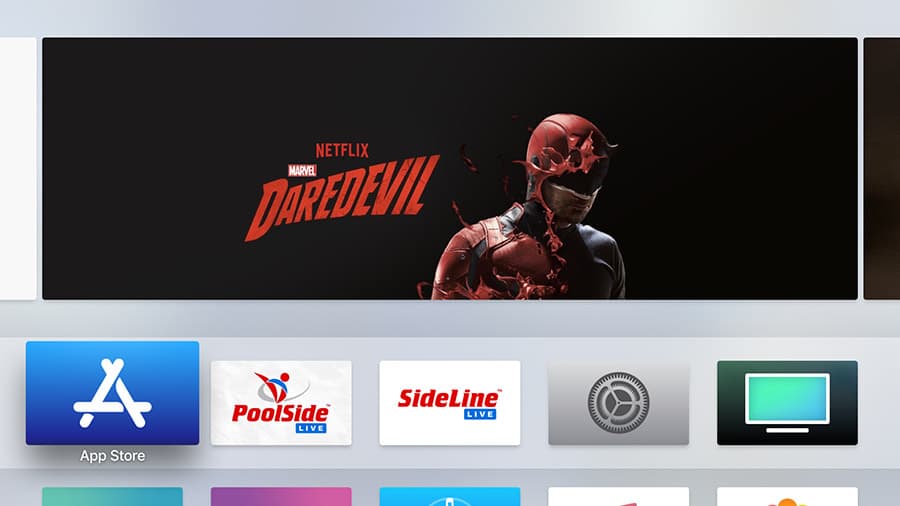
Select the “App Store” app
From the main menu of the Apple TV, select and open the “App Store” app.
Step 2
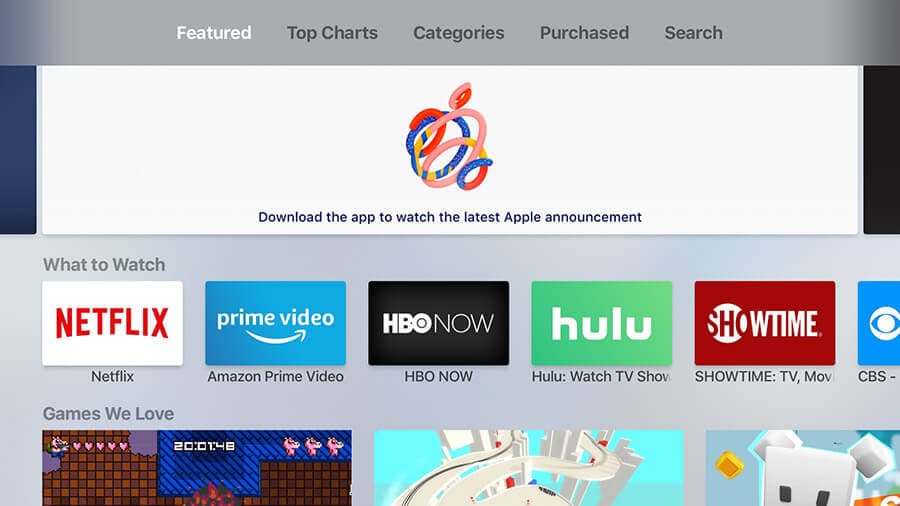
Select the “Purchased” tab
In the top menu of the App Store, select the “Purchased” tab.
Step 3
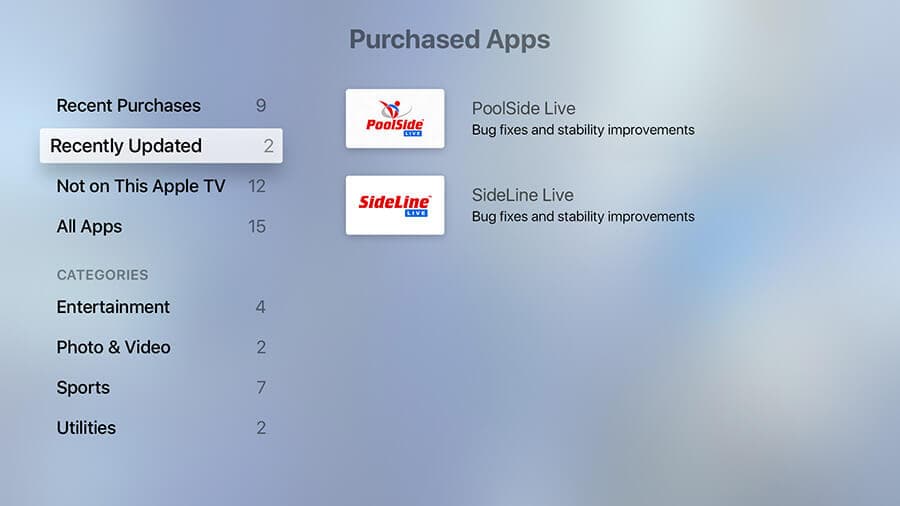
Select “Recently Updated”
Here you will see any apps with updates available. Select the app you wish to update.
Still stuck? Reach support or call 918-777-3794.